Yappr: Answer Claude Code Sessions from the Mac Notch
Answer your Claude Code and Codex sessions from the MacBook notch, by click or voice.
FreeGet it free
About this product
What it is
Yappr is a macOS app that puts your Claude Code and Codex sessions in the MacBook notch. When an agent asks a question or wants a permission, the notch shows which session is asking and the choices it offered. You answer right there, by click or by voice, without switching windows.
Apps like GitHub, Vercel and Gmail can show up in the notch the same way. Yappr also has push-to-talk dictation that turns what you say into a clean prompt.
Made by Noan Borel. Free plan available. Closed source.
What's included
- Claude Code and Codex questions and permission prompts appear in the MacBook notch
- Shows which session is asking and the choices it offered
- Answer by click or by voice without switching windows
- GitHub, Vercel and Gmail notifications can show up the same way
- Push-to-talk dictation that turns speech into a clean prompt
- Sets up Claude Code hooks for you, with a backup of your settings first
Why you'll love it
- Keep several agent sessions moving without hunting for the terminal that is waiting
- Stay in your current window while agents ask for input
- Write long prompts faster by speaking them
How to use
1. Download
Get the app from useyappr.com and open it.
2. Turn on Agents
In Yappr's Settings, turn on Agents. Yappr adds Claude Code hooks for you, and backs up your Claude Code settings first.
3. Work as usual
Run Claude Code or Codex sessions. When one needs an answer or a permission, it appears in the notch: click a choice or say it.
4. Dictate prompts
Hold the push-to-talk key, speak, and Yappr writes a clean prompt for you.
What you need
- A Mac with Apple silicon
- macOS 15 or later
- Claude Code or Codex
Yappr: Answer Claude Code Sessions from the Mac Notch
Answer your Claude Code and Codex sessions from the MacBook notch, by click or voice.
Requires
Includes
+1 more
More in Tool
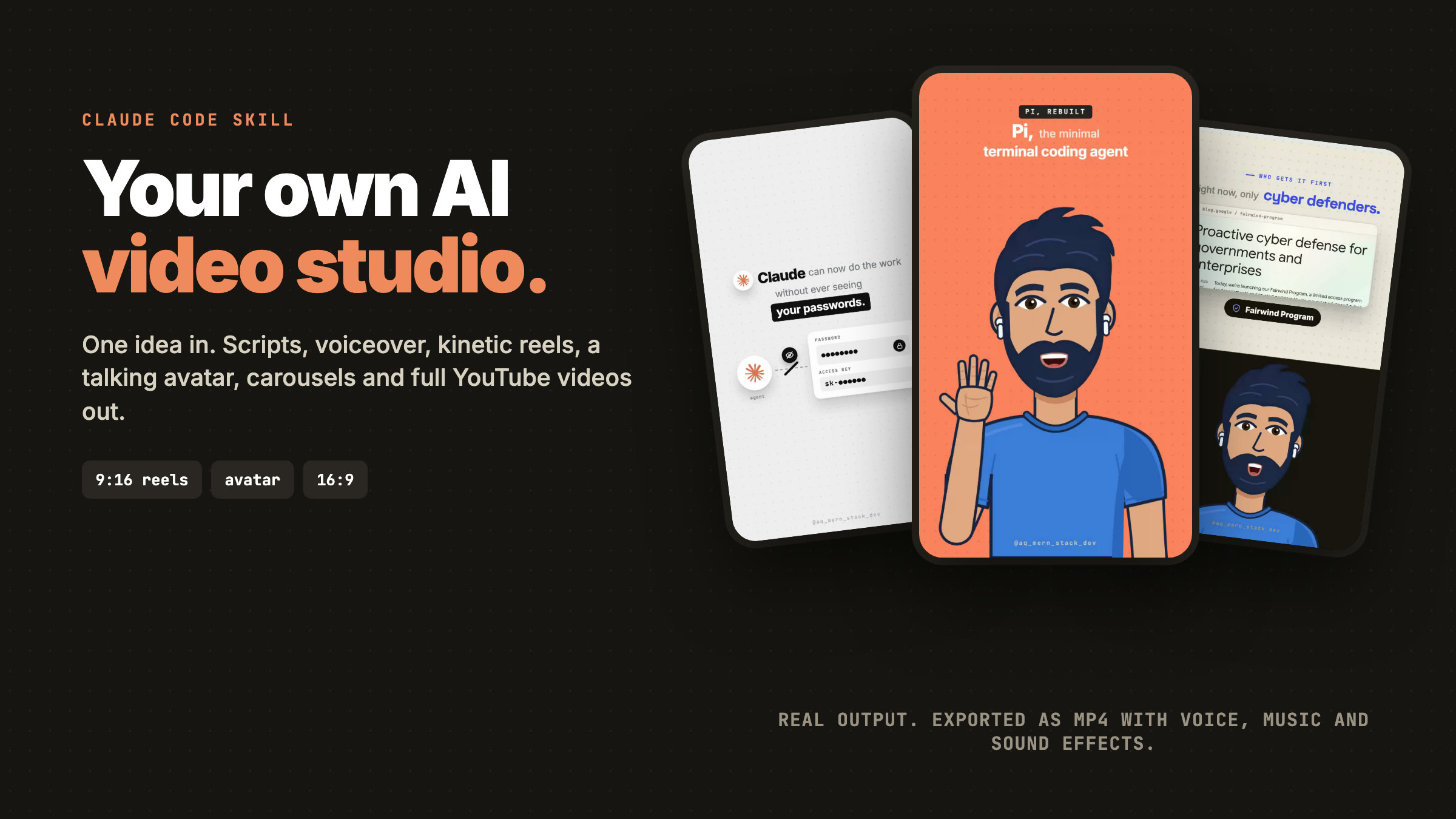
AILoop Studio: AI Reels, Talking-Avatar Videos and YouTube Videos with Claude Code
A Claude Code skill that installs your own video studio: script, voiceover, kinetic reels, a lip-synced avatar, carousels and full YouTube videos, exported as MP4.
$0.00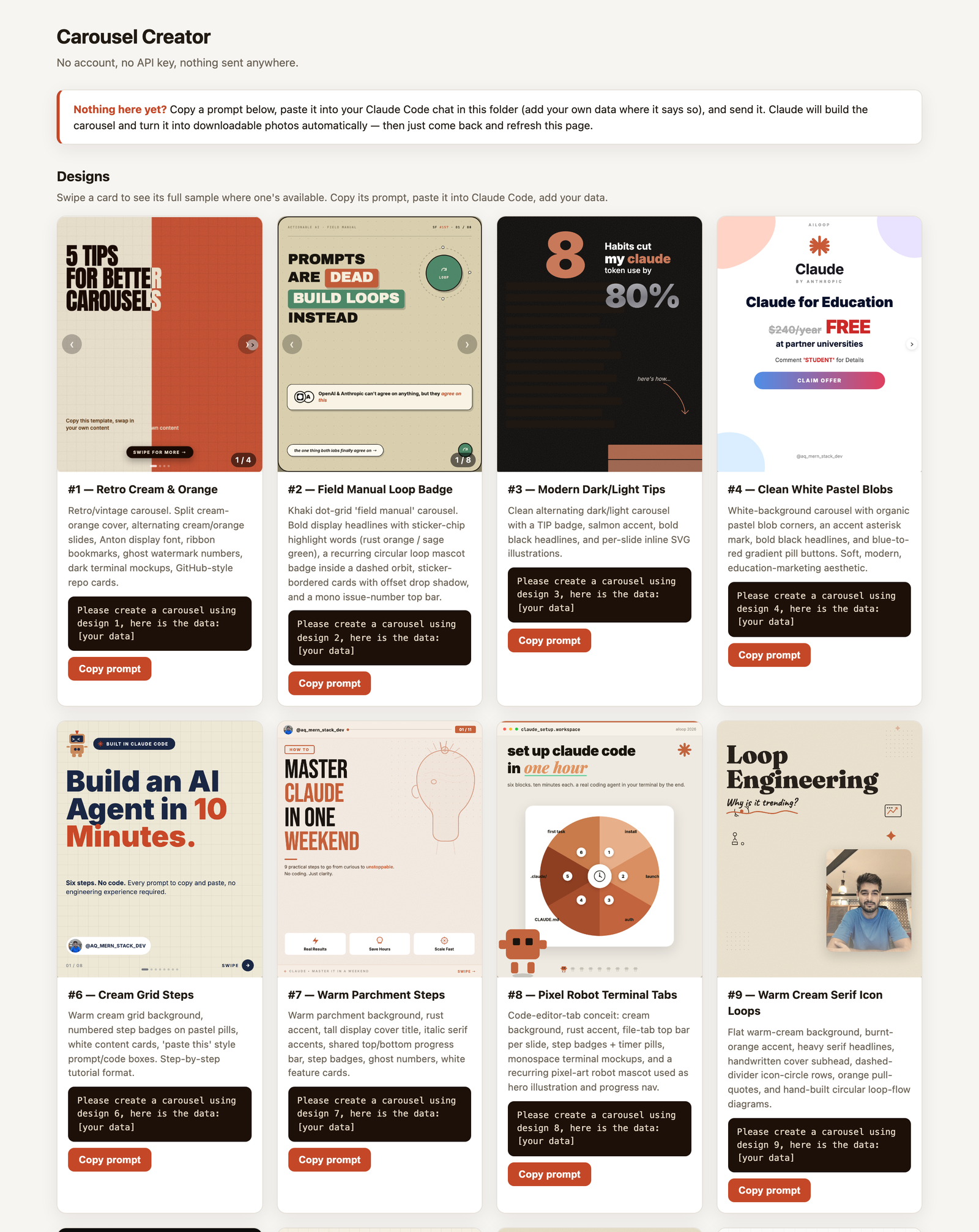
Carousel Creator — Instagram & LinkedIn Swipe Carousels via Claude Code
Turn a chat with Claude Code into a downloadable, ready-to-post swipe carousel — 15 designs, zero API keys, 100% local.
$0.00